

How do I Change Jersey Numbers as a Coach?

How do I Change Jersey Numbers as a Coach?
Follow the steps below to change athlete jersey numbers in the Sports Thread app and online at Sportsthread.com.
Online at Sportsthread.com
Step 1:
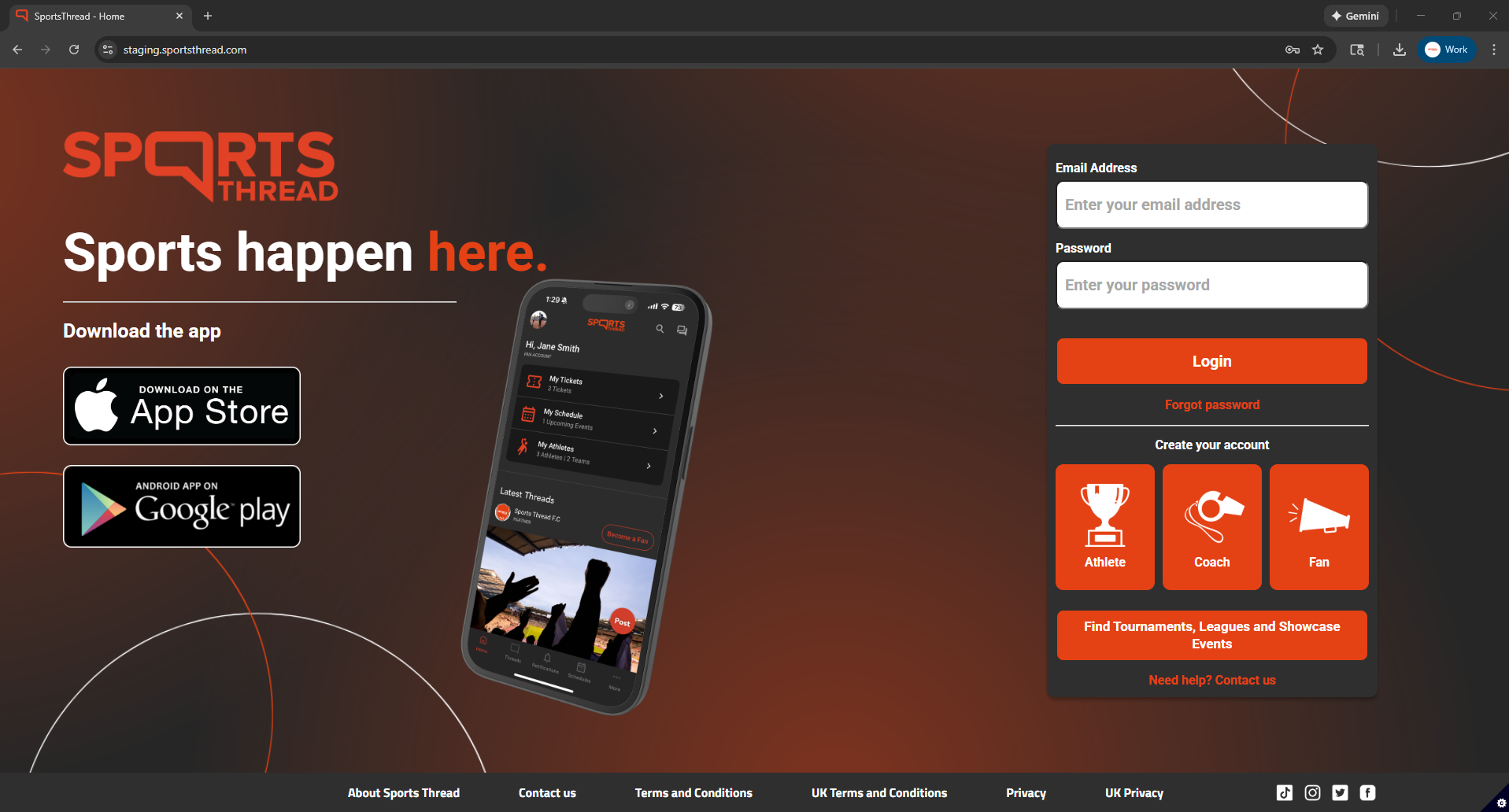
Login to your coach account at Sportsthread.com.
Step 2:
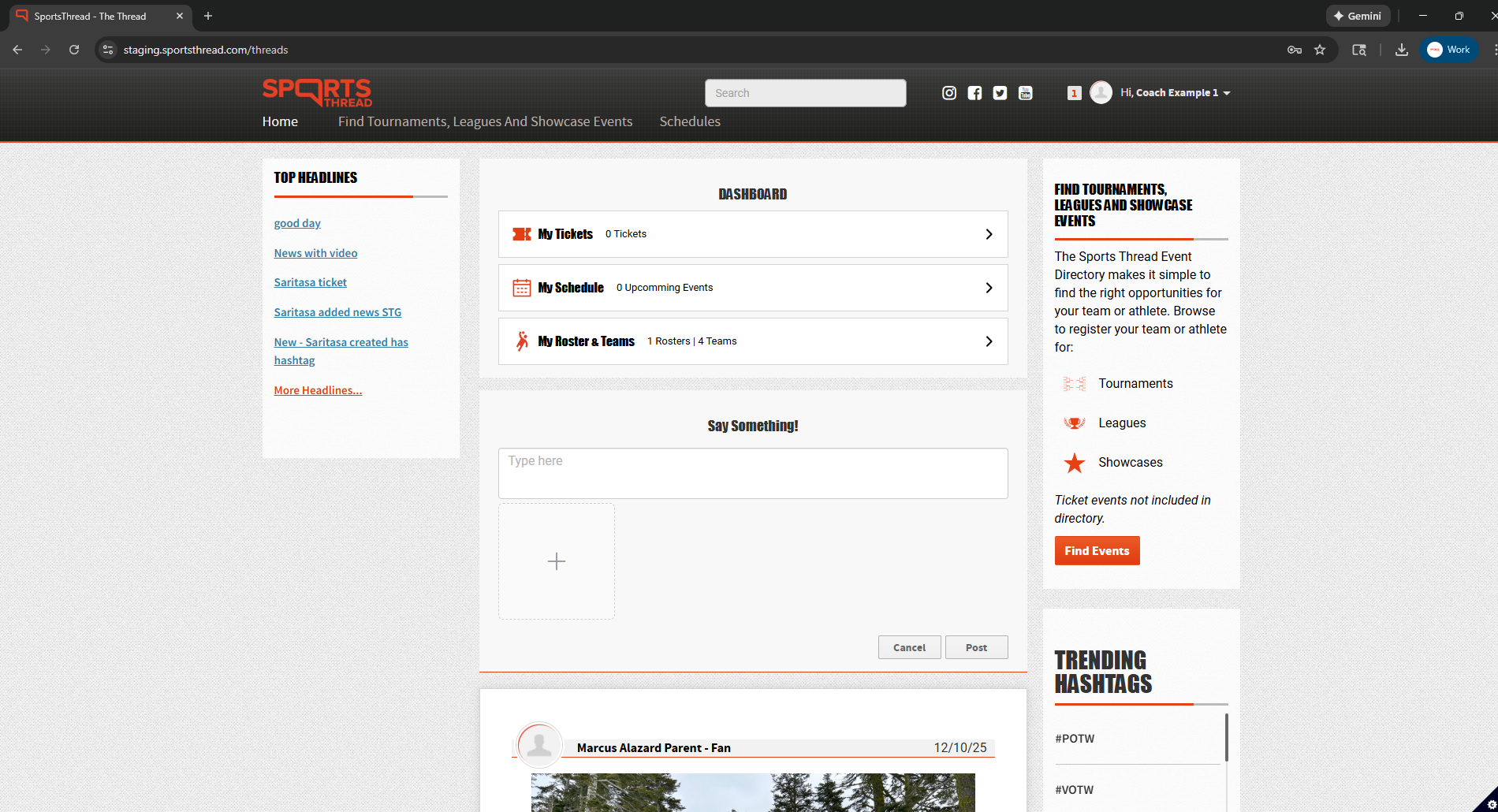
On the home page, click on “My Rosters and Teams”
Step 3:
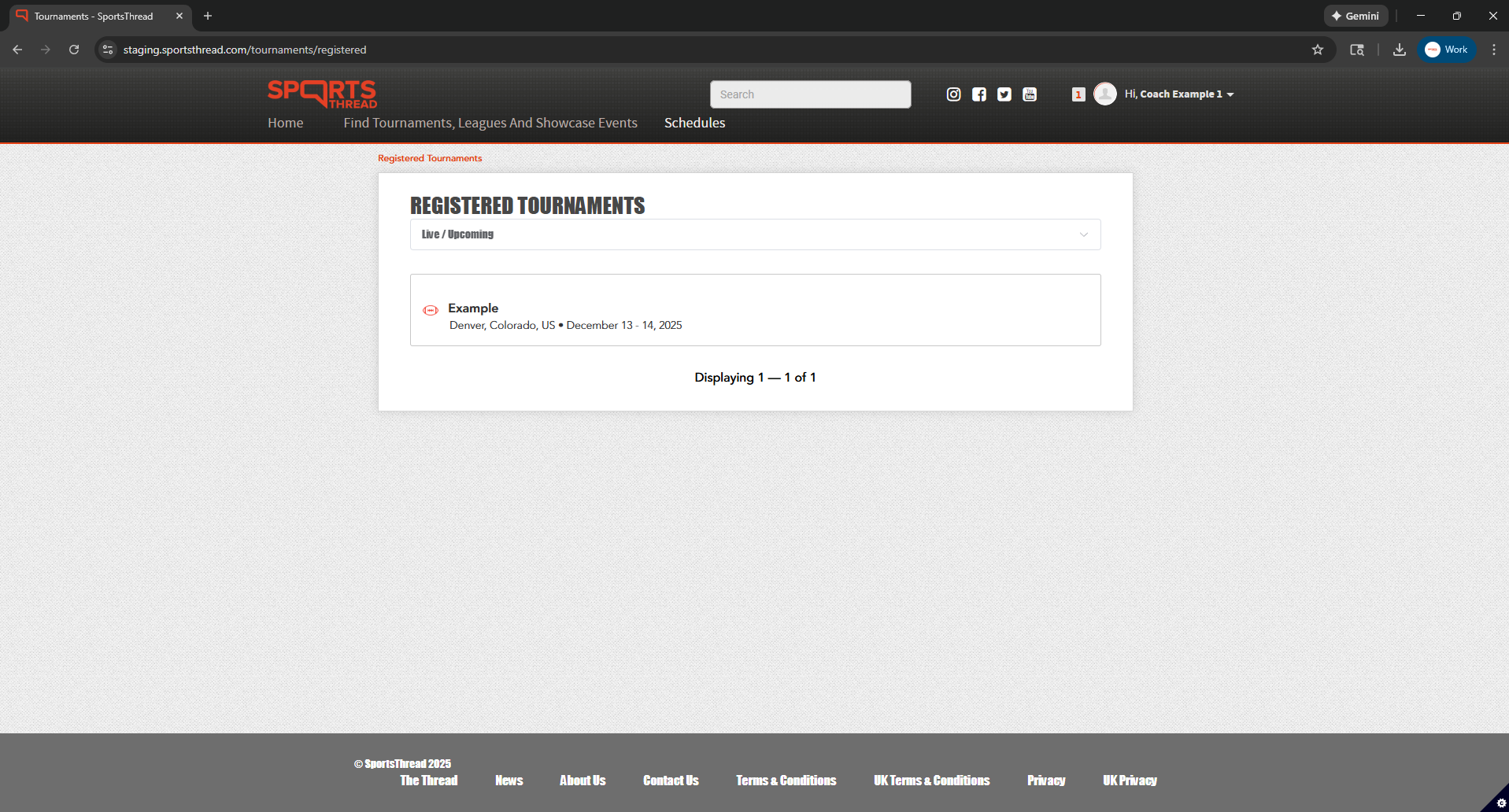
Under “Registered Tournaments” click the event that you registered your team for.
Step 4:
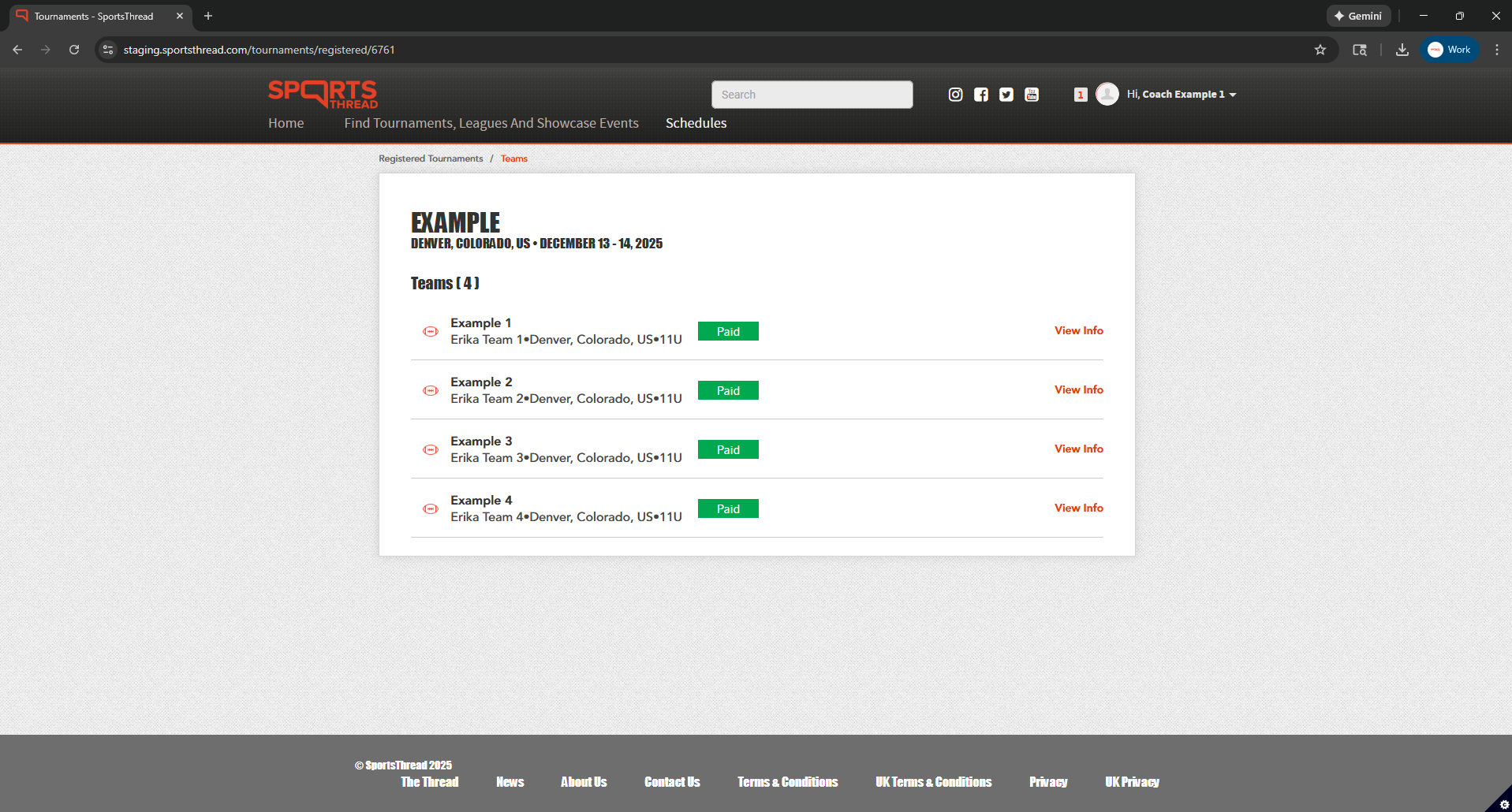
Click “View Info” next to the team that you want to change an athlete jersey number for.
Step 5:
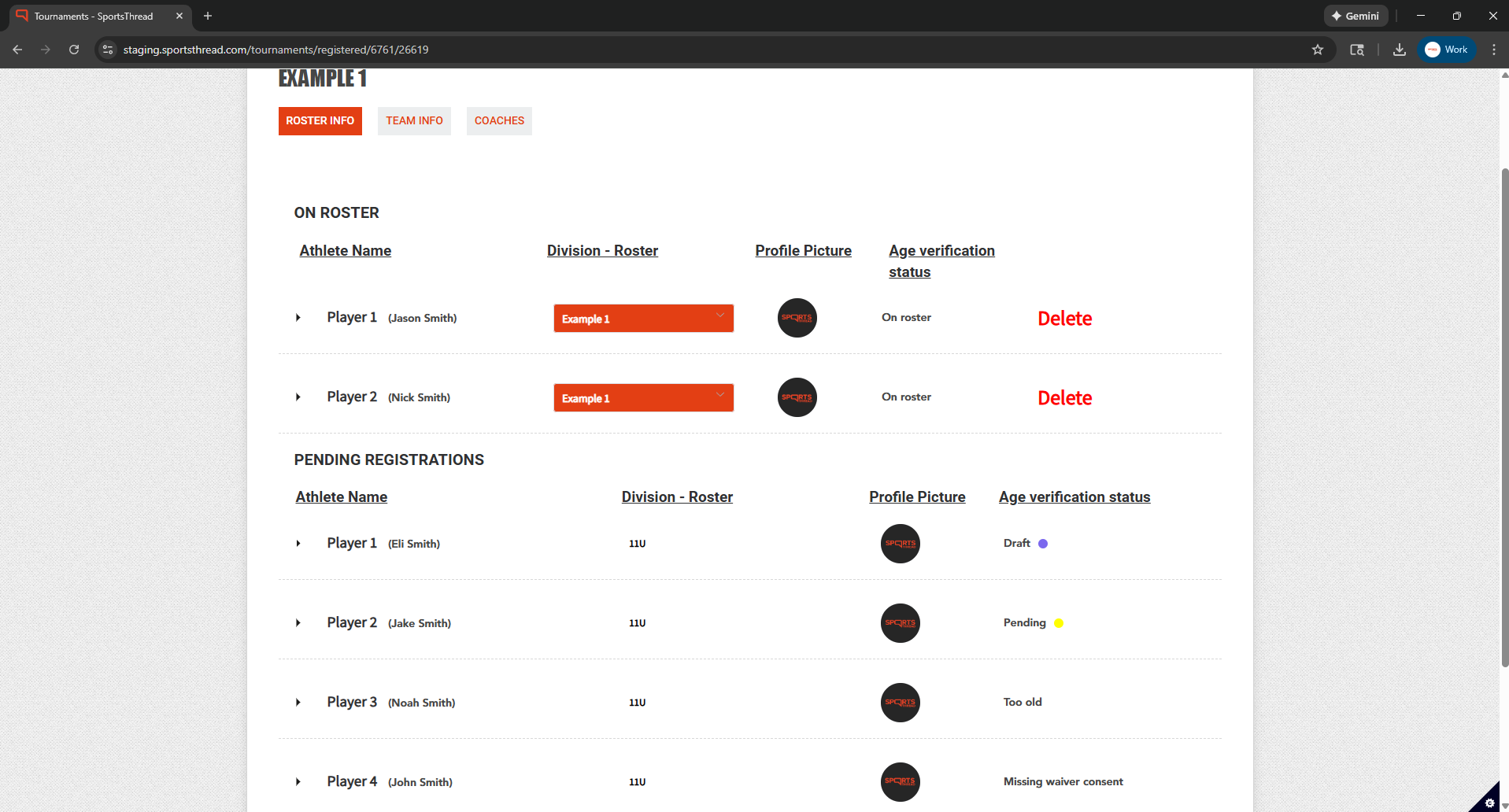
Under “Roster Info” tap the down arrow on the athlete you need to adjust a jersey number for.
Step 6:
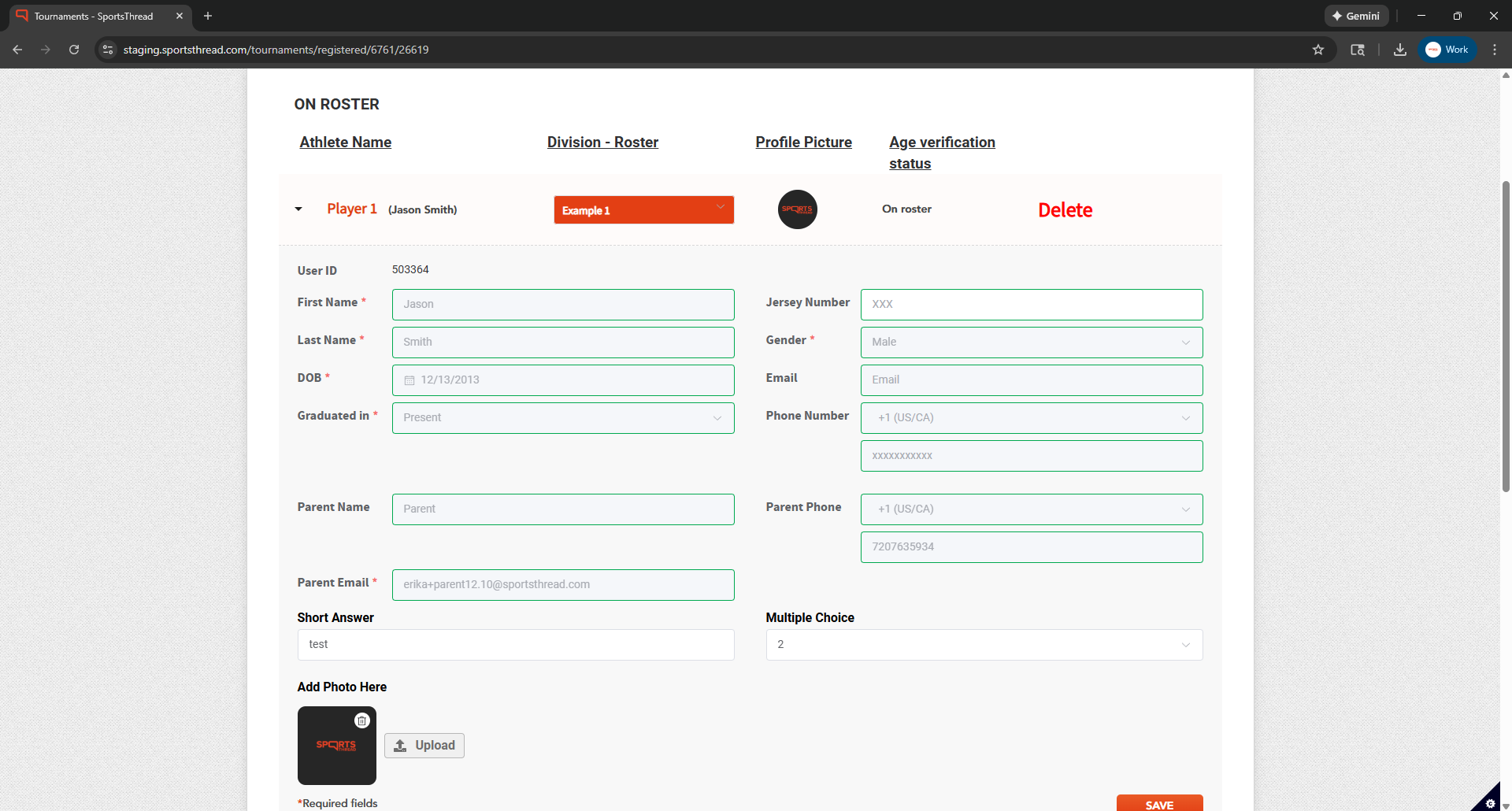
Type the new jersey number into the text box next to “Jersey Number”
Step 7:
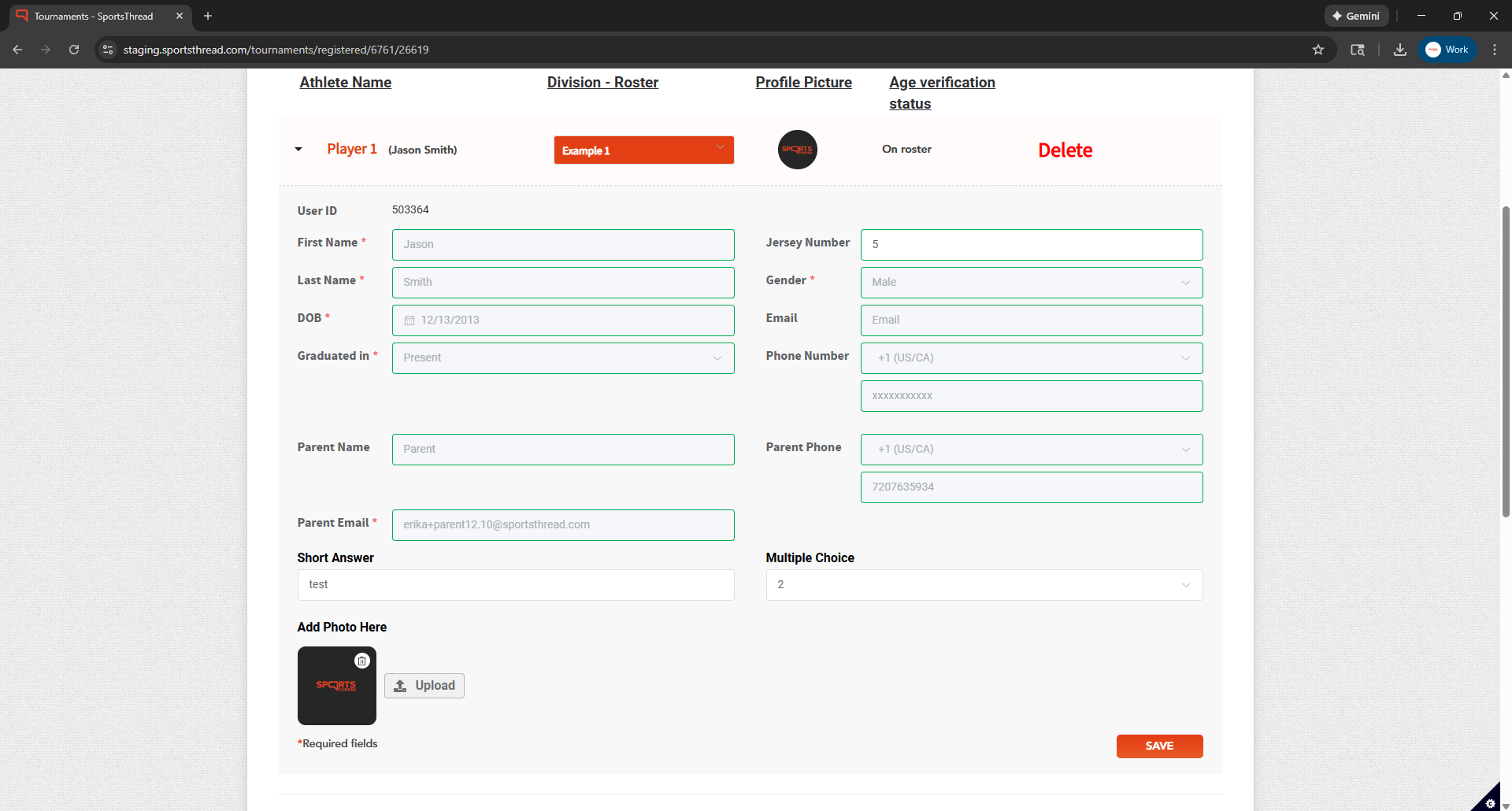
After adjusting the jersey number click the orange “Save” button to finalize the change.
In the Sports Thread app
Step 1:
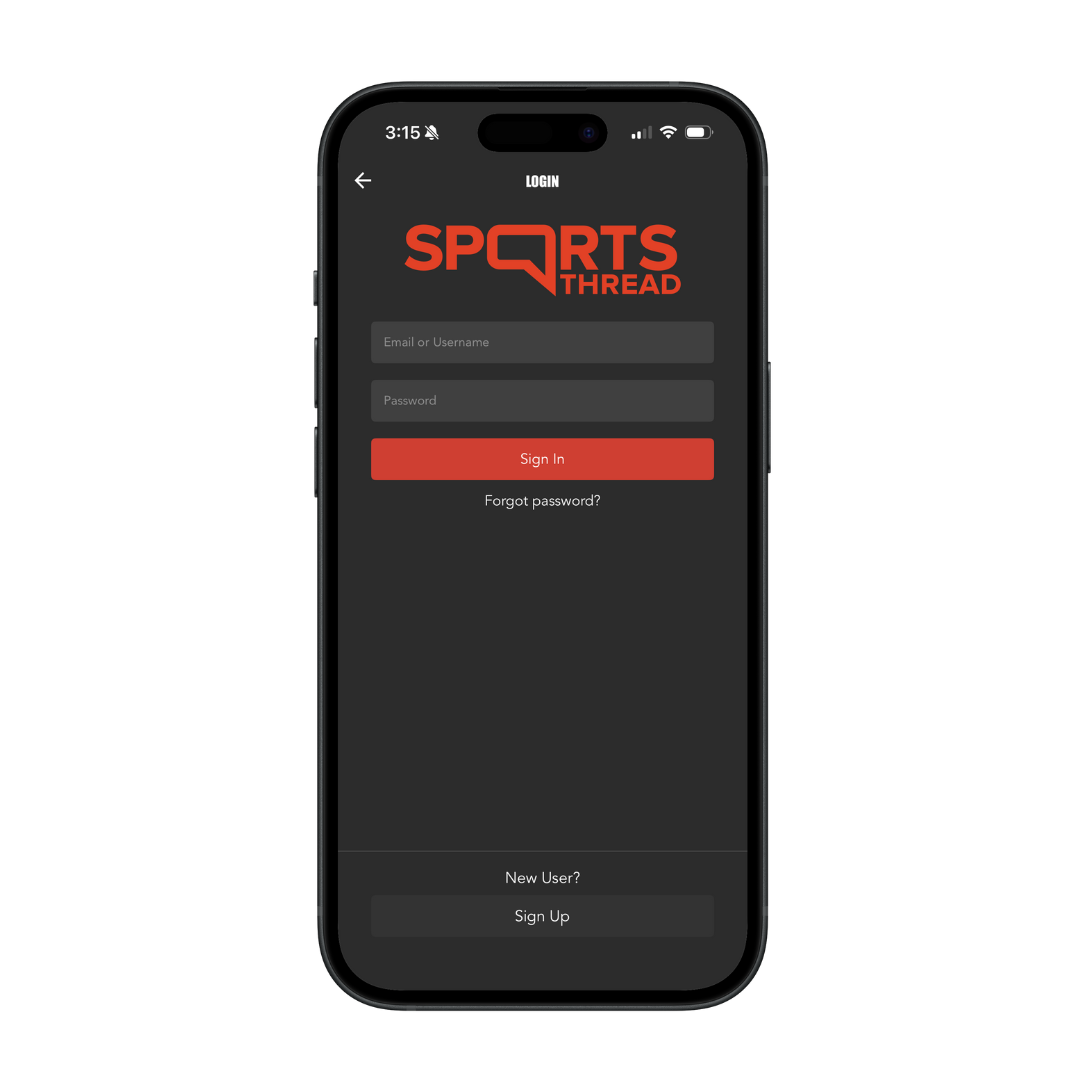
Login to your coach account in the Sports Thread app.
Step 2:
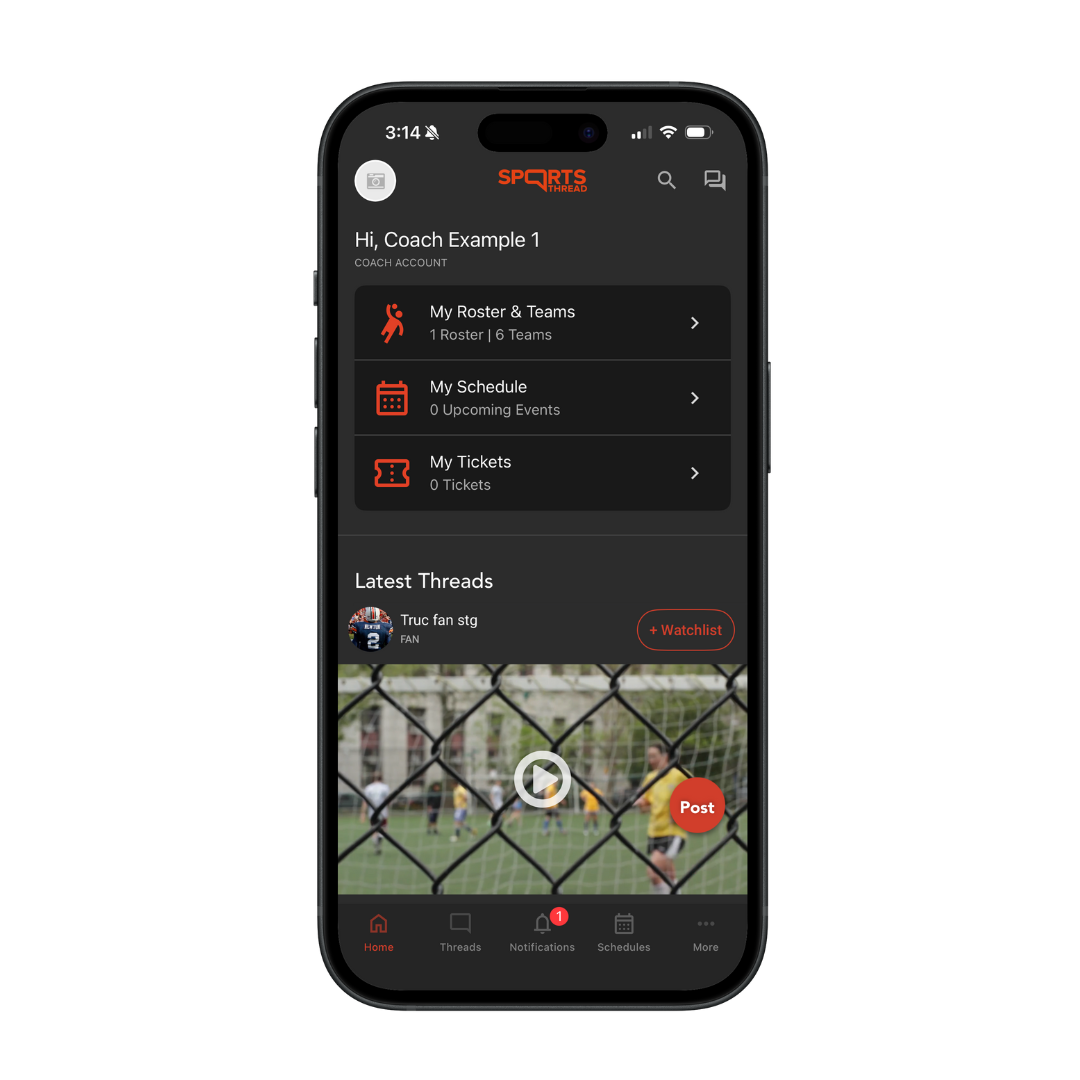
On the home page, click on “My Rosters and Teams”
Step 3:
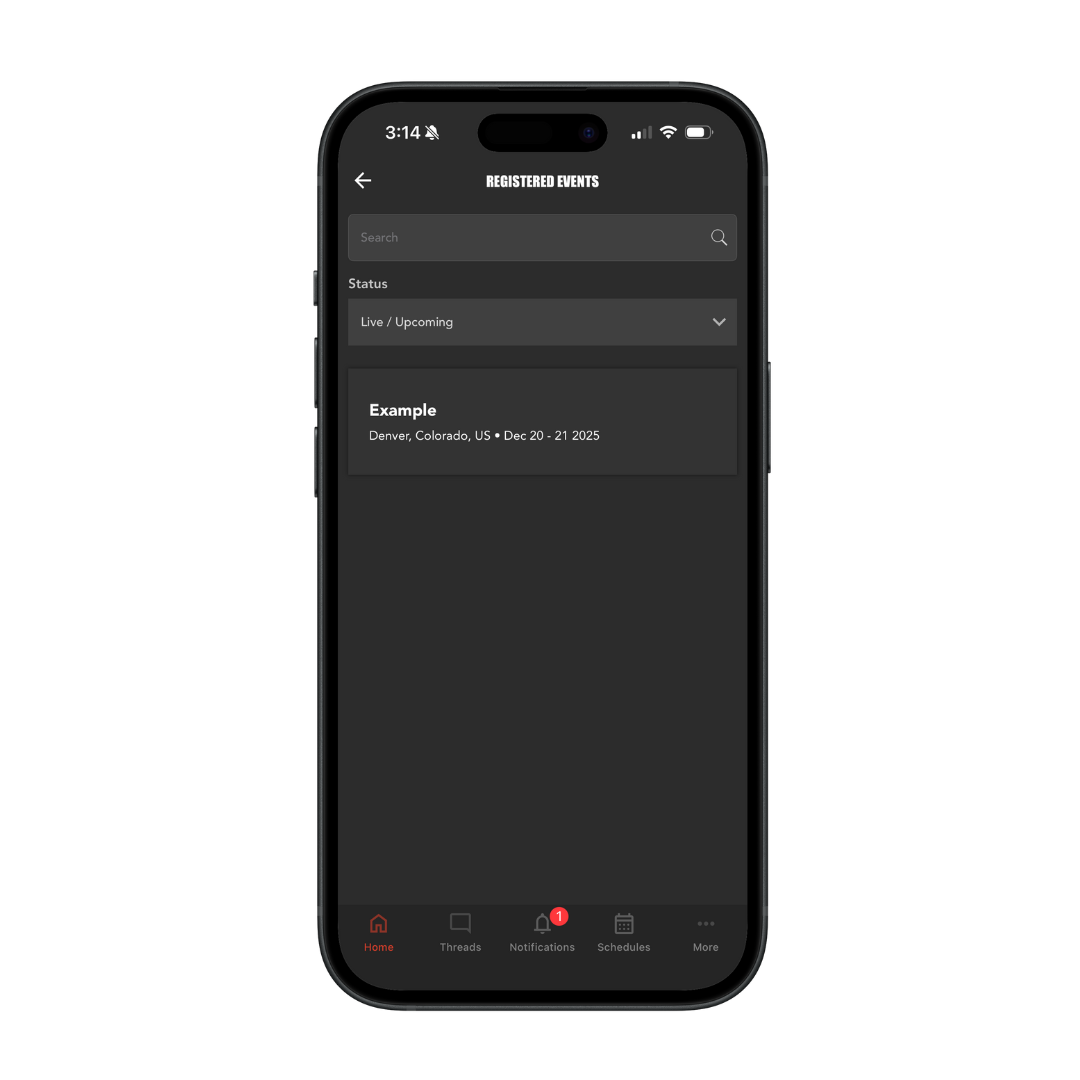
Under “Registered Tournaments” click the event that you registered your team for.
Step 4:
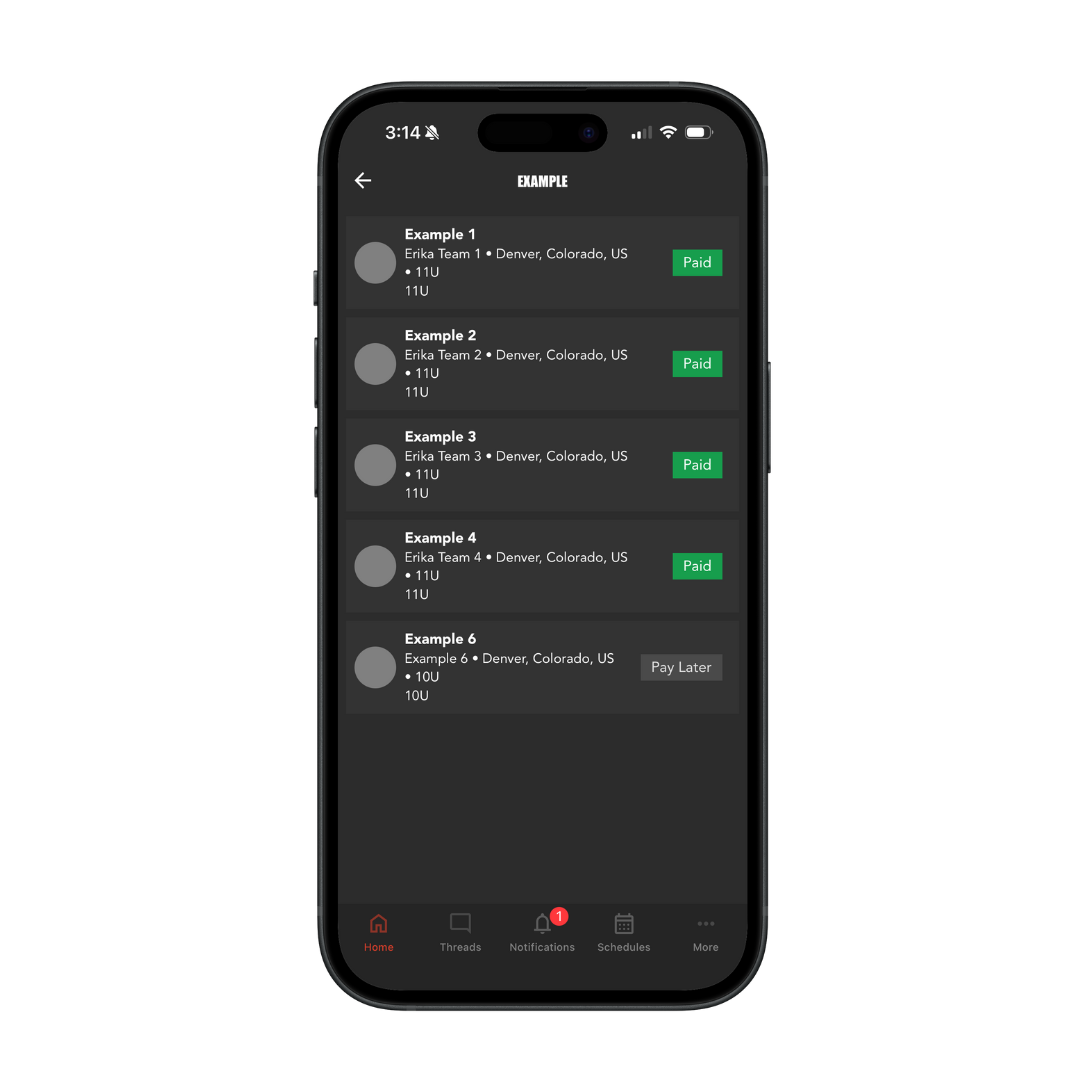
Select the team that you want to change an athlete jersey number for.
Step 5:
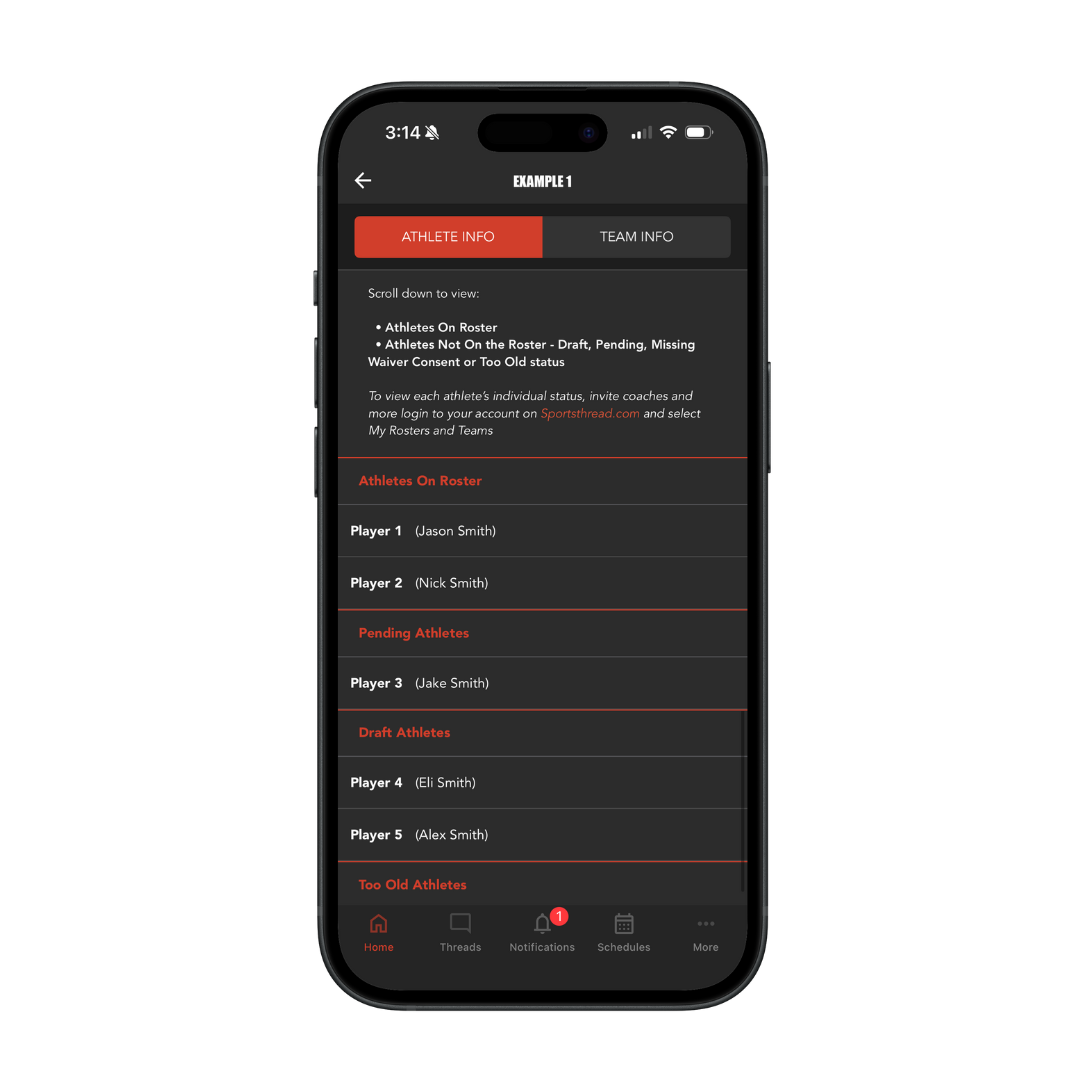
Click the player’s name that you want to change the jersey number for.
Step 6:
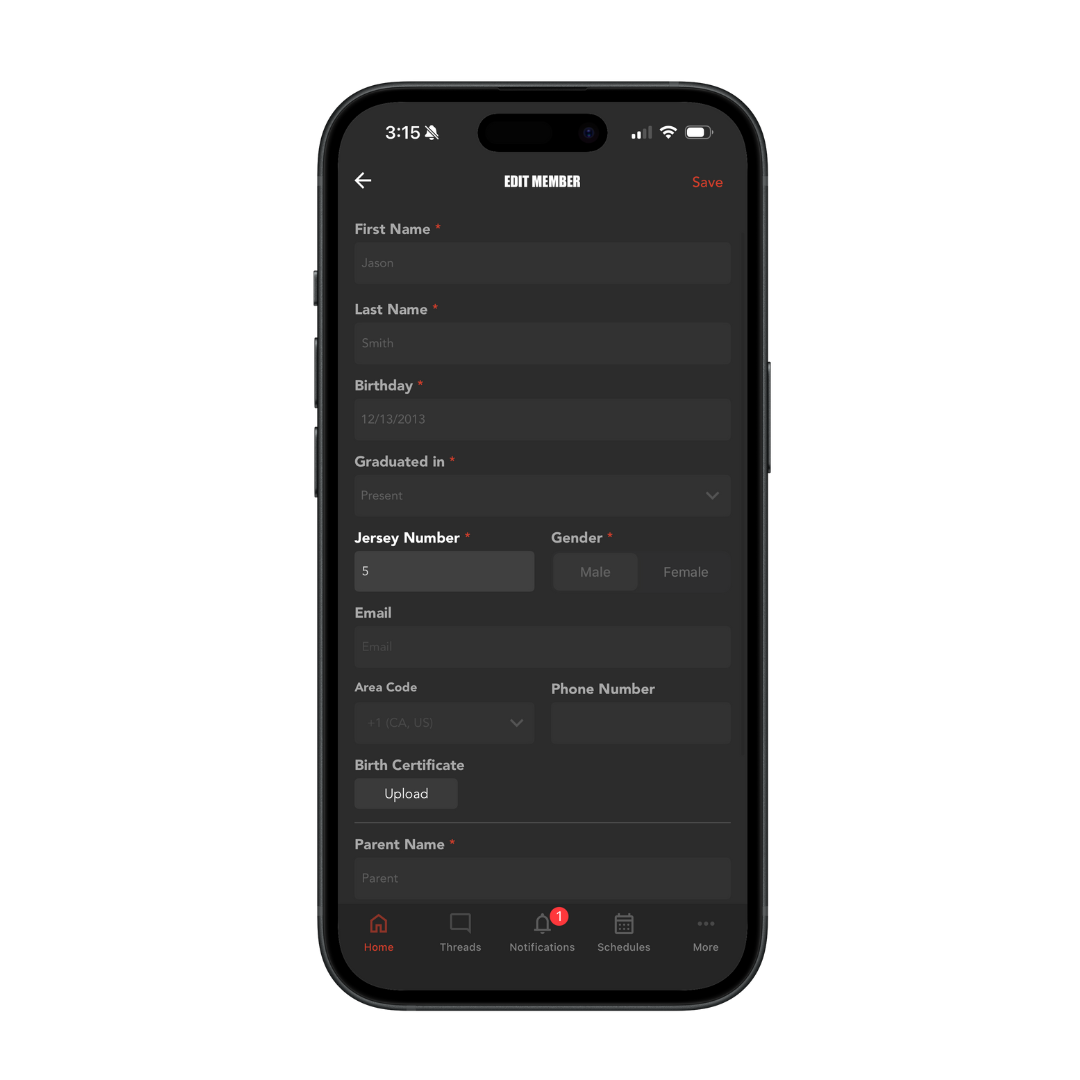
Type in the new jersey number and click “Save” in the top right to finalize your changes.
Need help?
Contact us:
customerservice@sportsthread.com

