

How Do I Purchase a Ticket (Assigned Seats)?

Follow the steps below to purchase an Assigned Seats ticket.
*Stadium rules and regulations, especially those that relate to ticket types, are subject to the event host*
Step 1:

On the event host’s Mobile Box Office, click the event you want to purchase a ticket for on the scrolling discover wheel or search for it by scrolling down.
Step 2:
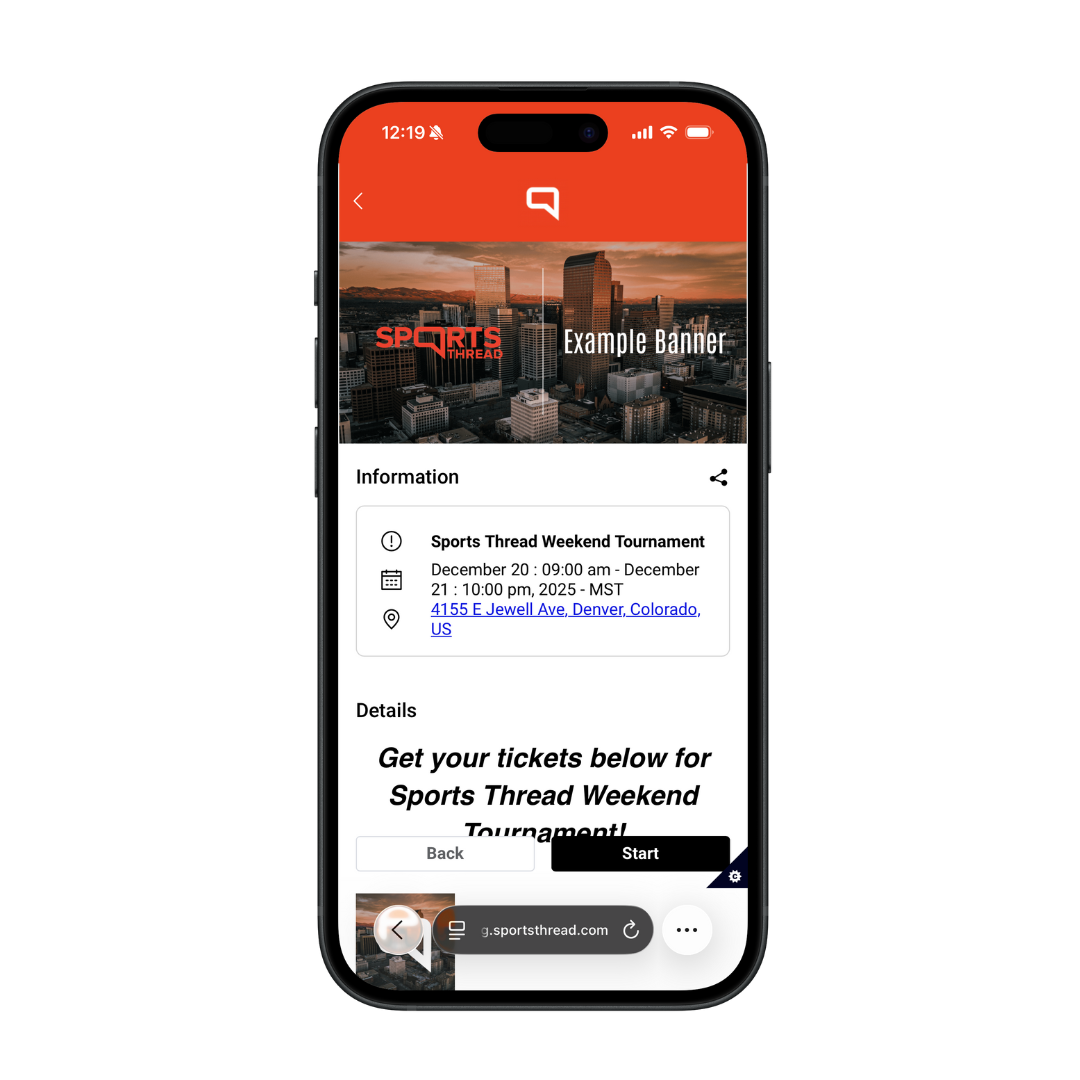
After clicking into the event page click “Start” to purchase tickets.
Step 3:
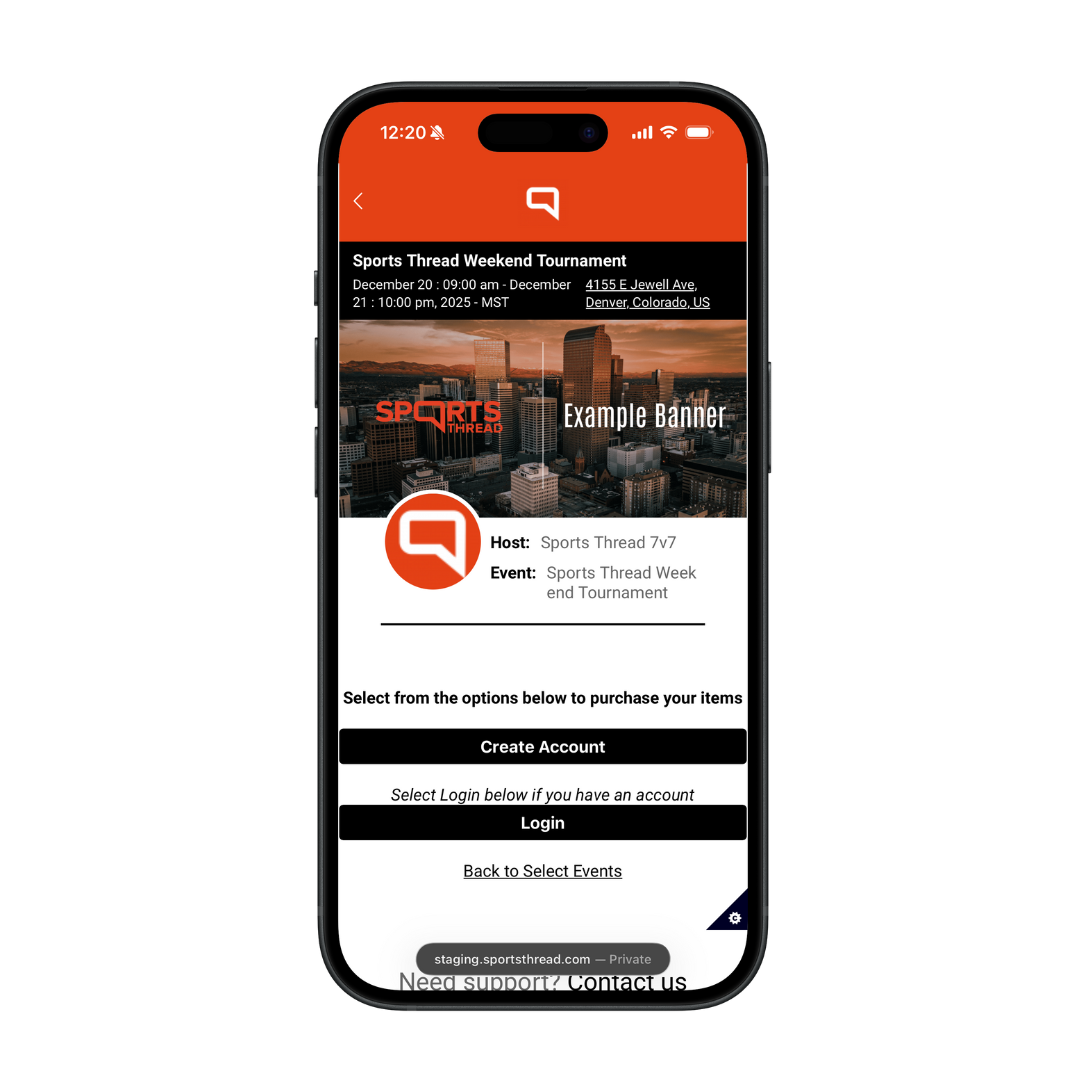
Login or create an account.
Step 4:
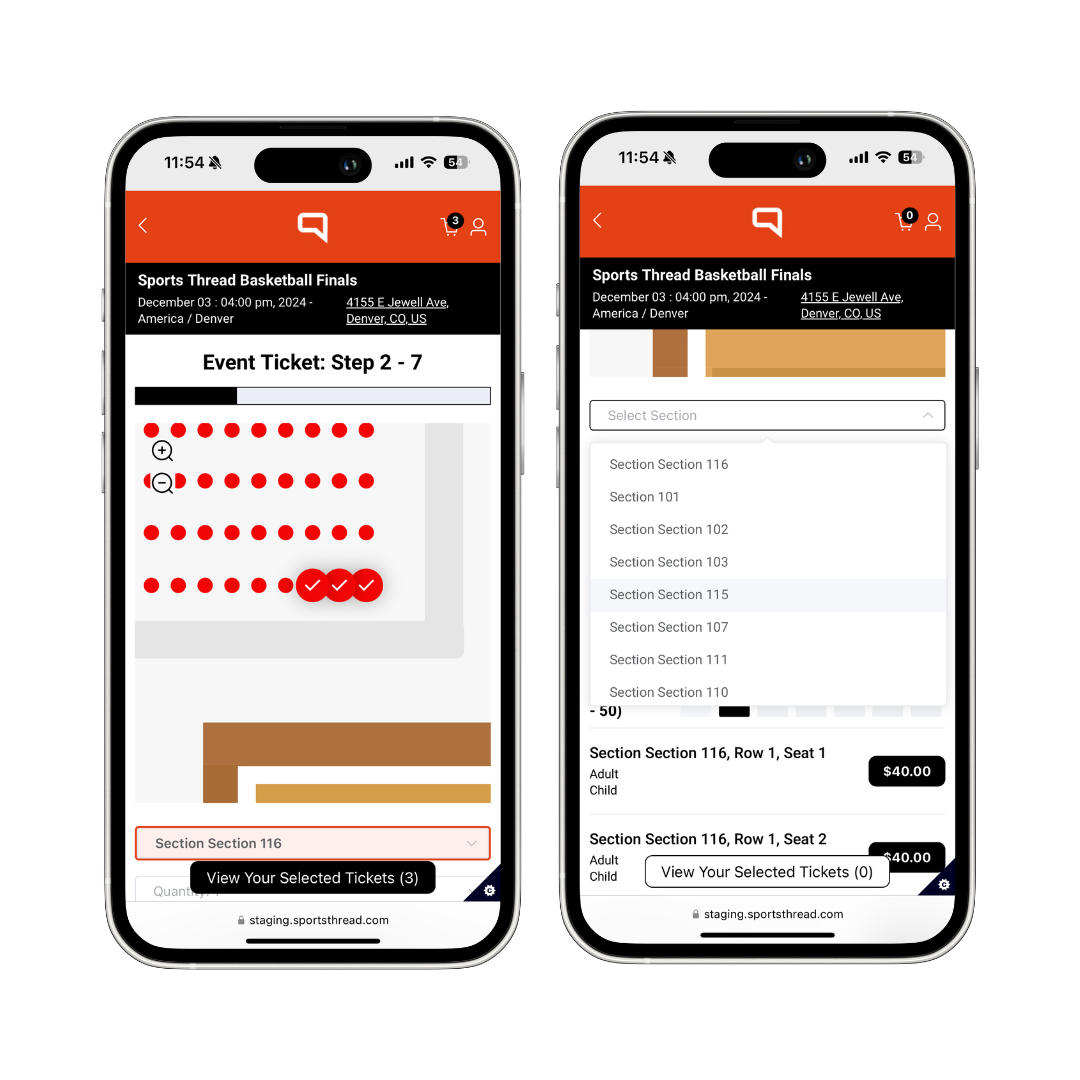
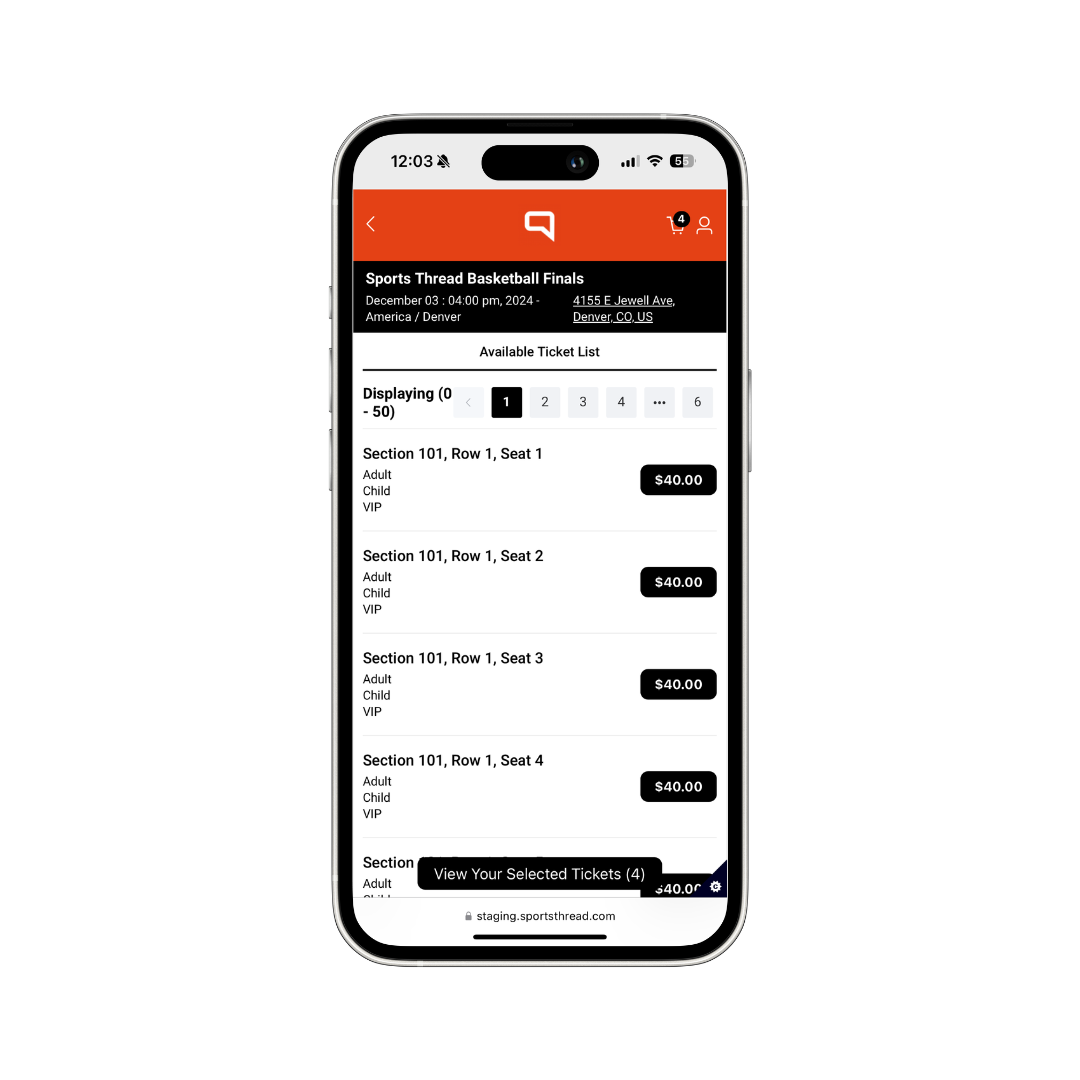
Select the tickets you wish to purchase by clicking into the venue map, searching by section, or from the list view below.
Step 5:
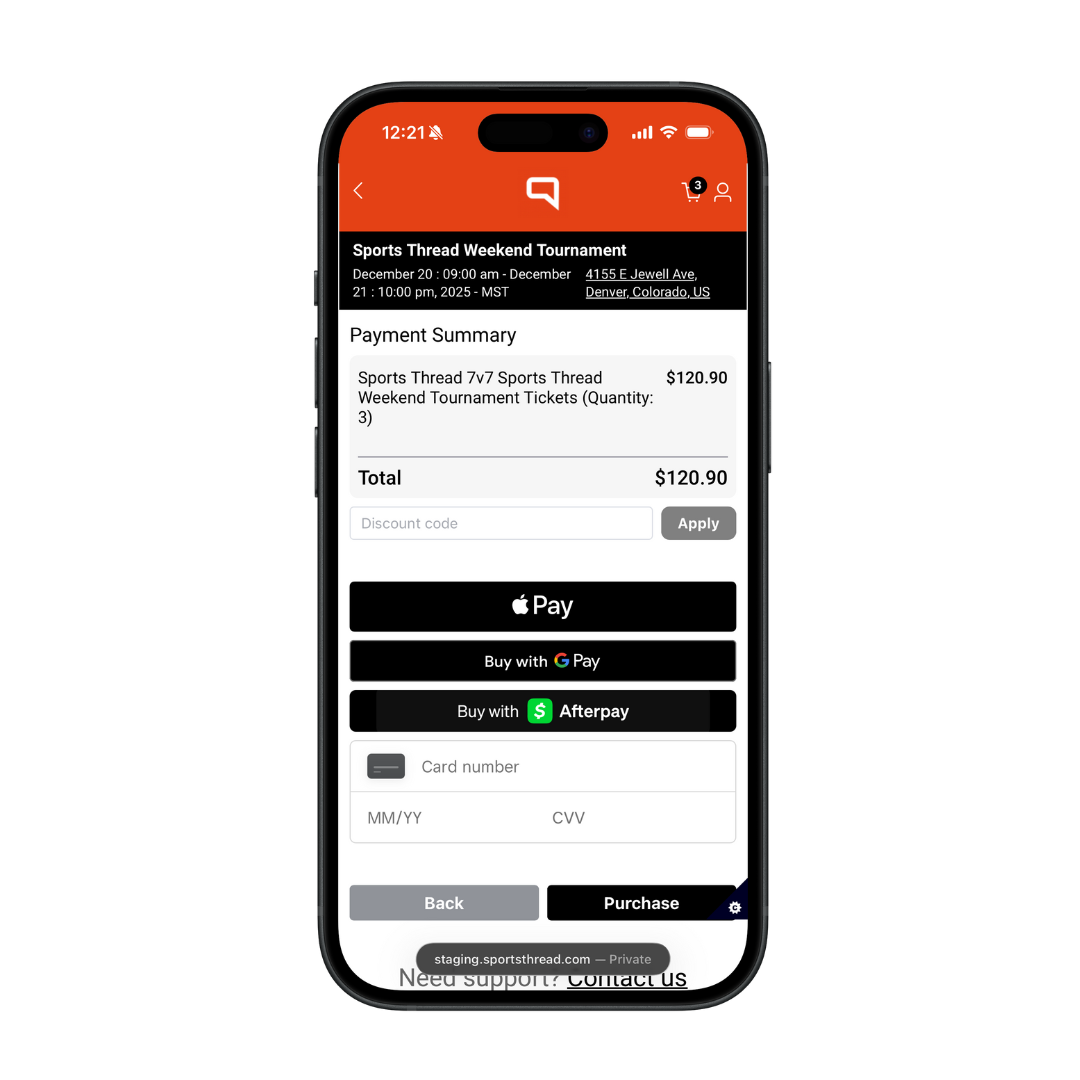
Submit payment by inputting your card details or by using Apple Pay, Google Pay, or Afterpay.
Step 6:
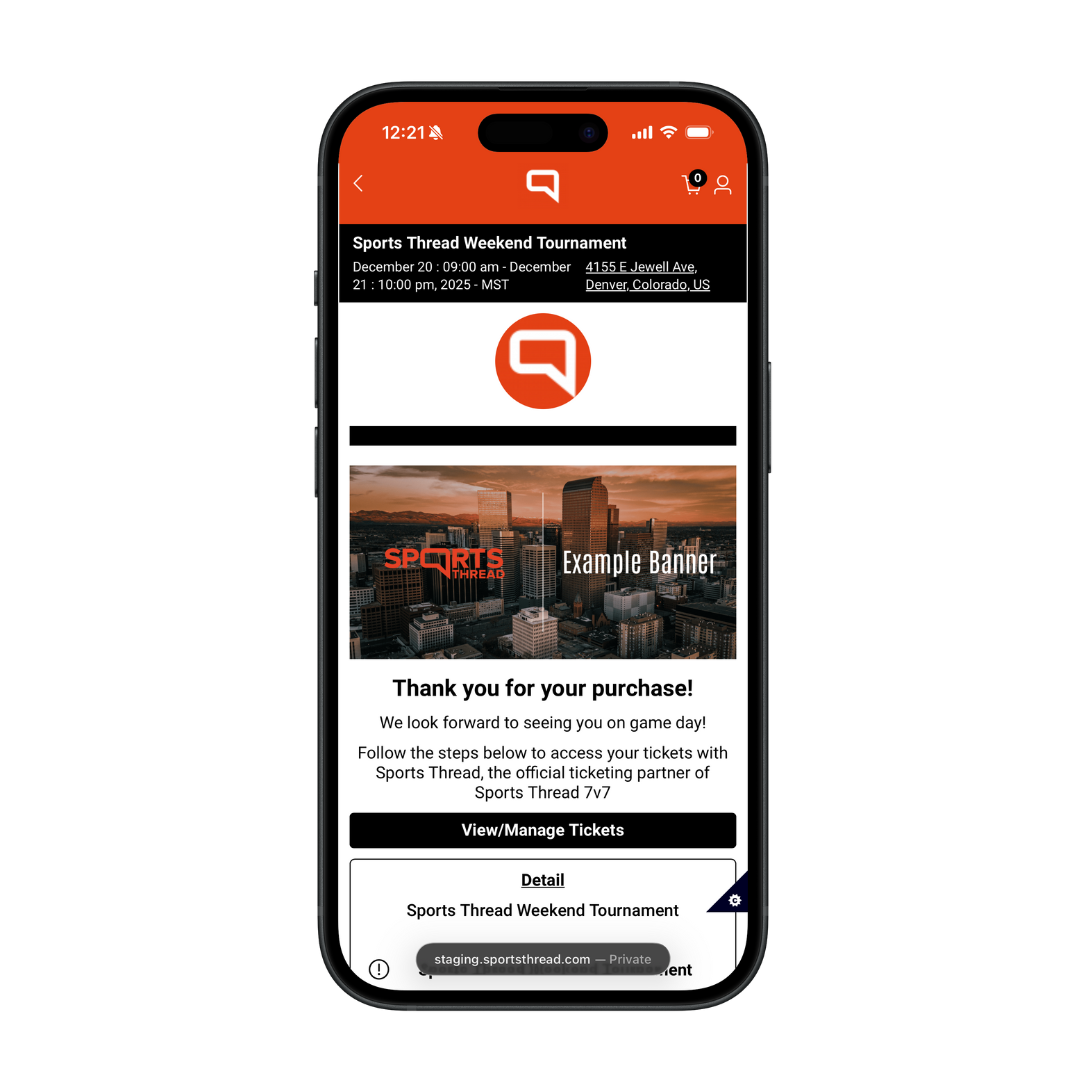
After submitting payment you will see your ticket receipt and event details. Click “View/Manage Tickets” to pull up your ticket QR codes for check-in.
Need help?
Contact us:
customerservice@sportsthread.com
Did this article answer your question? If not please visit the main FAQ to find your question: https://info.sportsthread.com/blog
Want to learn more about Sports Thread's secure and flexible Ticketing, Age Verification, or Registration for your event? Find out here: https://info.sportsthread.com/

